
Sarah
Shafik


Bathroom Interior Shots & Video
D5 render study case
22 / 11 / 2025
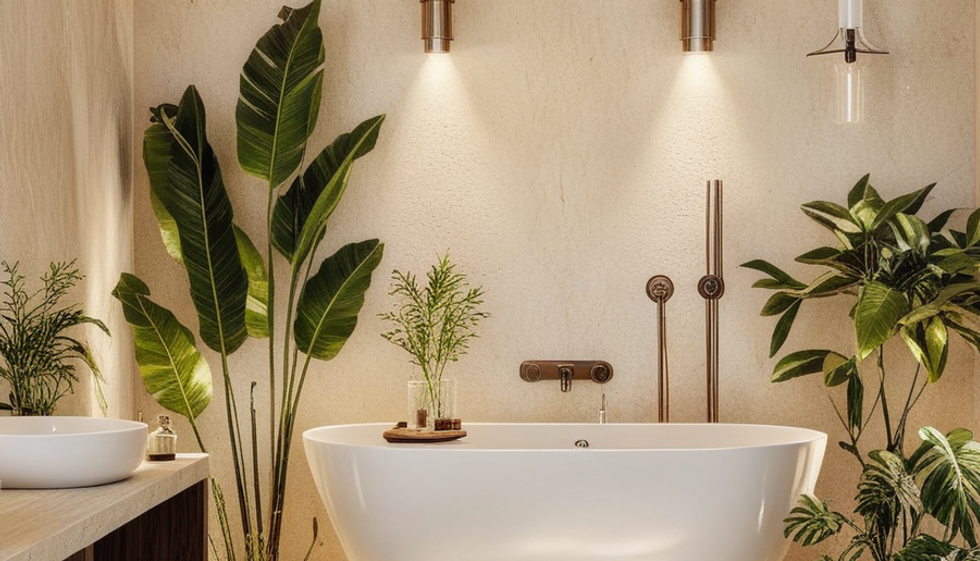
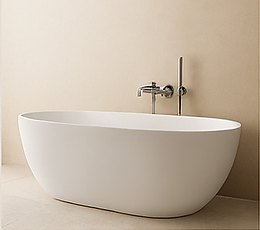
The bathroom shows a case study of D5 render Features . The photos show shots using D5 render and Its AI Features. The photos show the following AI Features: AI Enhancer, AI Atmosphere match, AI Scene transfer and AI sketches. A video has also been made showcasingD5 render phasing and wind effects.
Programs used


MOOD BOARD



MICROCEMENT PAINT
CREMA
MARBLE
Gravel
ECO MDF

01
AI ENHANCER
D5 Render AI Enhancer enhanced rendered photos material, level of detail and photo light and contrasts while maintaining the structure and geometry the photo. It is saves the time needed for post production and enhances realism.
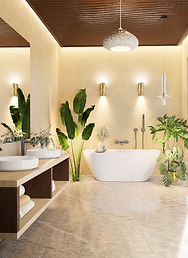
ORIGINAL PHOTO
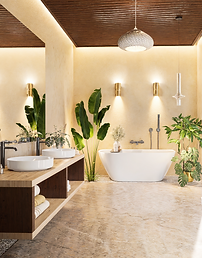
ENHANCED PHOTO
+
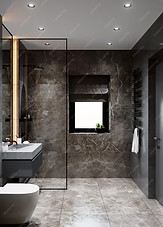
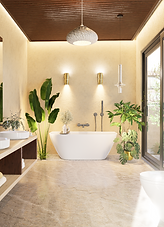
ORIGINAL PHOTO
ATMOSPHERE REFERNCE
=

02
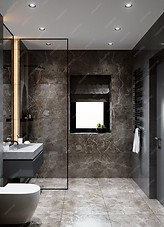
AI ATMOSPHERE MATCH
AI Atmosphere match matches your render scene to any photo reference. As seen in the atmosphere matched photo the structure, material and geometry is maintained, only the lighting and the mood is changed.
ATMOSPHERE MATCHED PHOTO
03
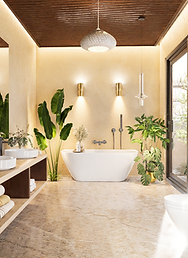
AI STYLE TRANSFER
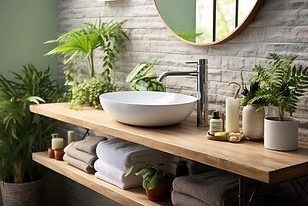
AI Style Transfer transfers the style to your rendered photo from any photo reference. As seen in the style matched photo the structure, and geometry is maintained, However both the materials and moods are changed.
+
=
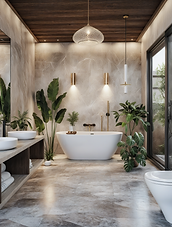
ORIGINAL PHOTO
STYLE REFERNCE
STYLE MATCHED
PHOTO
04
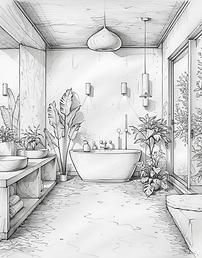
AI SKETCH GENERATOR
AI Sketch generator creates sketches from your rendered photo. There are styles vary from pencil sketches, Black ink pen, Water color and marker sketches
ORIGINAL PHOTO
AI SKETCH